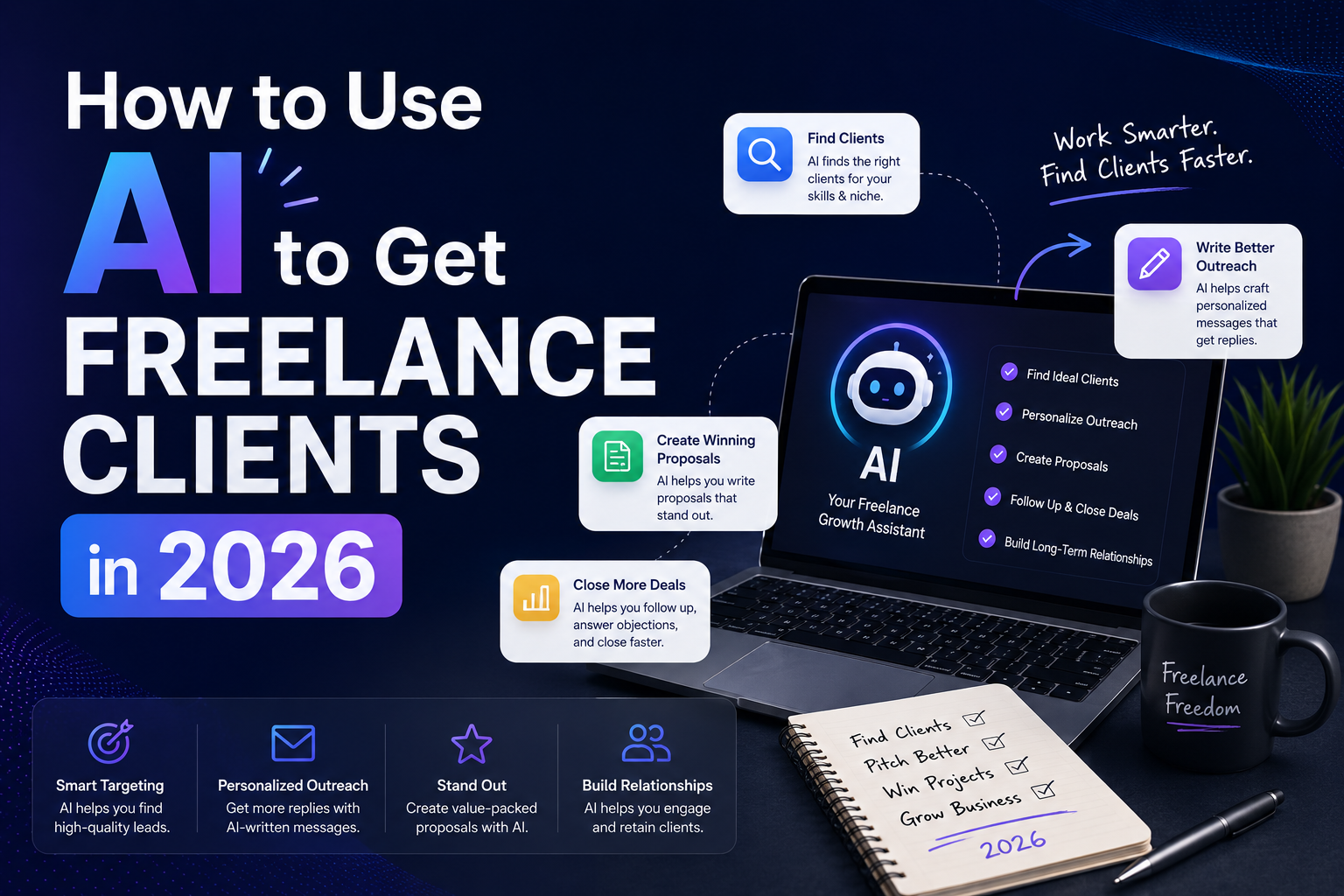
If you want to use AI to get freelance clients, you’re in the right place. Getting your first client — or your next one — used to mean hours of cold outreach and hoping someone would respond. In 2026, that’s changed completely.
I’m not talking about using AI to do your work for you. I’m talking about using it to find better leads, write sharper proposals, and show up like a seasoned freelancer even if you’re just getting started. In this guide, I’ll show you exactly how to use AI to get freelance clients — from finding leads to writing proposals that win.
Here’s exactly how to do it.
Table of Contents
Why Learning How to Use AI to Get Freelance Clients Changes Everything
Most freelancers lose clients before the conversation even starts — not because they lack skills, but because their outreach is generic, their proposals are weak, or they’re targeting the wrong people.
AI fixes all three of those problems.
Tools like ChatGPT and Claude can help you research potential clients in minutes, write personalized pitches that actually get responses, and polish your portfolio and profiles so they stand out. The freelancers winning right now aren’t necessarily the most talented — they’re the ones who show up prepared, fast, and professional every single time. AI is what makes that possible at scale.
Step 1: Use AI to Find the Right Clients
Before you can pitch anyone, you need to know who to pitch. This is where most freelancers waste the most time — scrolling through job boards and sending the same generic message to anyone who looks remotely relevant.
Instead, use ChatGPT to build a targeted lead list. Start with a prompt like:
“I’m a freelance [your skill] who helps [your target audience]. Give me 10 types of businesses or niches that regularly hire freelancers like me, and explain why each one needs my services.”
This gives you a focused starting point instead of a random spray-and-pray approach. From there, you can search LinkedIn, Upwork, or even Google to find specific businesses in those niches that are actively hiring.
You can also use AI to analyze job postings. Paste a job description into ChatGPT and ask: “What does this client really need, and what should I emphasize in my proposal to address their biggest pain point?” This alone puts you ahead of 90% of freelancers who just read the post and respond without thinking.
Step 2: Build a Profile That Gets You Found
Whether you’re on Upwork, Fiverr, LinkedIn, or your own website, your profile is your first impression. Most freelancers write their bios the way they’d fill out a form — listing skills and experience without giving the client a reason to care.
AI can fix that fast.
Use this prompt in ChatGPT: “Write a compelling freelance bio for someone who [describe your skills and experience]. The bio should speak directly to [your target client] and focus on outcomes, not just skills. Keep it under 150 words and make it conversational.”
Then tweak it to match your actual voice. The goal is a bio that sounds like a confident human wrote it — not a job application.
Do the same for your headline. Instead of “Freelance Writer | Content Creator,” try: “I help SaaS companies turn blog posts into leads — using AI-powered research and SEO that actually ranks.” AI can help you brainstorm five or ten options, and you pick the one that fits best.
Step 3: Write Proposals That Actually Win
This is where AI gives you the biggest edge.
A winning proposal does three things: it shows you understand the client’s problem, it explains why you’re the right person to solve it, and it makes it easy for them to say yes. Most freelancers skip the first part entirely.
Here’s a prompt that works: “I’m applying for this freelance job: [paste the job description]. Help me write a short, personalized proposal that references their specific problem, explains how I’d approach it, and ends with a clear call to action. Keep it under 200 words and make it sound human and confident.”
You’ll still need to add your own personal details, past results, and any relevant samples — but AI gives you a strong starting framework in about 30 seconds instead of 30 minutes.
One tip: always edit the AI output before you send it. Add a specific detail from their job post or website that shows you actually read it. That small touch makes a big difference.
Step 4: Use AI to Follow Up Without Being Annoying
Most clients don’t respond to the first message. That doesn’t mean they’re not interested — it usually just means they’re busy.
A well-timed follow-up can double your response rate, but most freelancers either don’t send one or send something awkward like “just checking in.”
Ask ChatGPT: “Write a short, friendly follow-up message for a freelance proposal I sent 5 days ago. It should add a little value — like a quick insight or idea related to their project — and remind them I’m still interested without sounding desperate.”
This approach works because it gives the client something useful, not just a nudge.
Step 5: Build Credibility Faster with AI-Powered Content
The best way to get inbound clients — people who come to you — is to be visible. And the fastest way to get visible is to publish content that shows you know what you’re doing.
You don’t need to write long-form articles from scratch. Use AI to help you create short LinkedIn posts, tips, or case study summaries that demonstrate your expertise. A freelance writer might post: “Here’s how I helped a SaaS client go from 200 to 2,000 monthly blog readers in 90 days — and the 3 things that made the difference.”
That kind of post builds trust, shows results, and attracts clients who are already looking for what you offer.
The Best AI Tools for Getting Freelance Clients
Here are the tools I’d recommend building into your client-getting workflow:
ChatGPT — Best all-around tool for researching leads, writing proposals, and drafting outreach messages. The free version works well; ChatGPT Plus gives you faster responses and better results.
Claude — Excellent for longer, more nuanced writing tasks like bios, case studies, and follow-up sequences. Many freelancers prefer it for anything that needs to sound polished and natural.
Grammarly — Non-negotiable for proofreading every proposal and message before it goes out. A typo in a cold pitch can kill a deal before it starts.
Canva — Great for creating a professional portfolio, media kit, or pitch deck that makes you look established even if you’re early in your freelance career.
Notion AI — Useful for organizing your lead pipeline, tracking outreach, and storing reusable proposal templates so you’re not starting from scratch every time.
Want a deeper breakdown of tools? Check out my full list of the best AI tools for freelancers in 2026.
Final Thoughts
Getting freelance clients in 2026 doesn’t have to be a grind. With the right AI tools in your corner, you can research smarter, pitch faster, and follow up better than most of the competition.
The key is to use AI as your prep work engine — not to replace your voice, but to sharpen it. Your personality, your results, and your relationship-building skills are still what close the deal. AI gets you in the room. The steps above are everything you need to know about how to use AI to get freelance clients in 2026.
If you’re starting, check out my post on how to use AI to land your first freelance client for more on setting up your freelance foundation from scratch.
-Daniel